Docs · Apps for Jira
Custom Fields for Jira
Forty-plus field types that behave like native Jira — catalog for admins, values on the issue.
Runs on Atlassian · No data leaves Atlassian
Try free 30 days · Free ≤10 forever · then ~USD 1.30/user/mo
Custom fields guide Support · info@berkly.nl01 — How it works
Field types you turn into real Jira fields
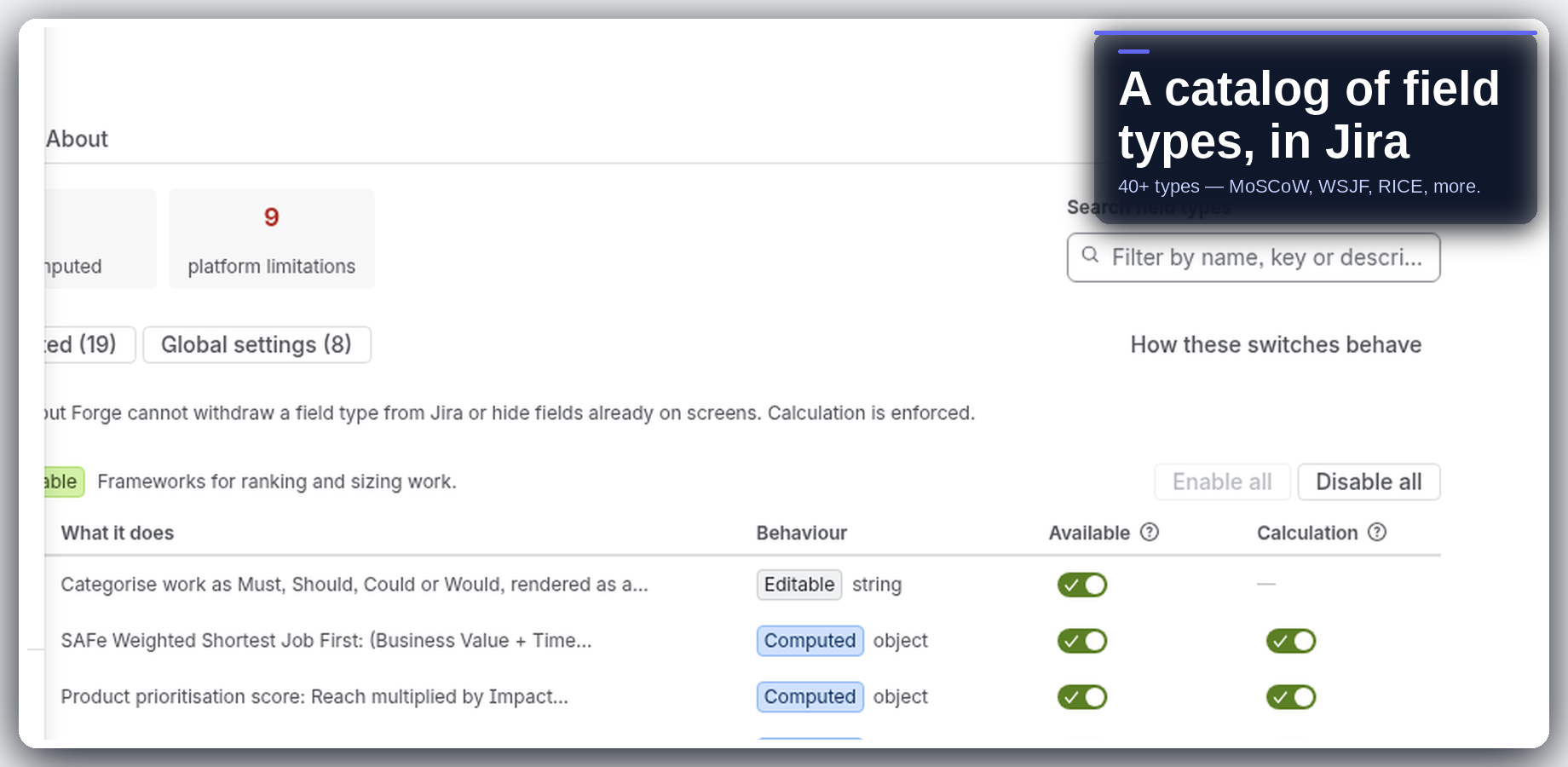
Add field types Jira Cloud is missing and keep the values on the work item. Admins get a searchable catalog (MoSCoW, WSJF, RICE, ratings, and more); users fill fields next to Summary and Assignee.
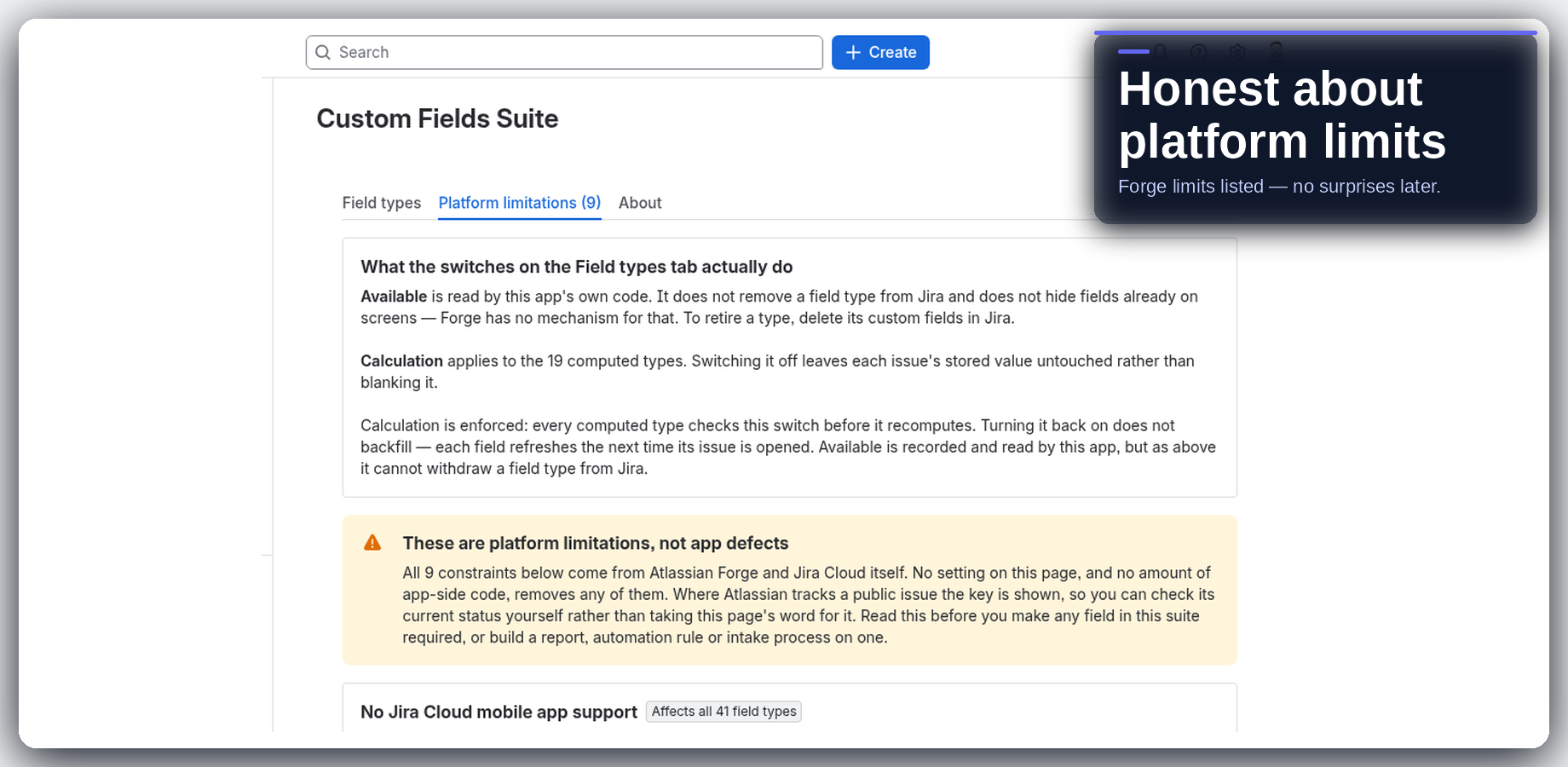
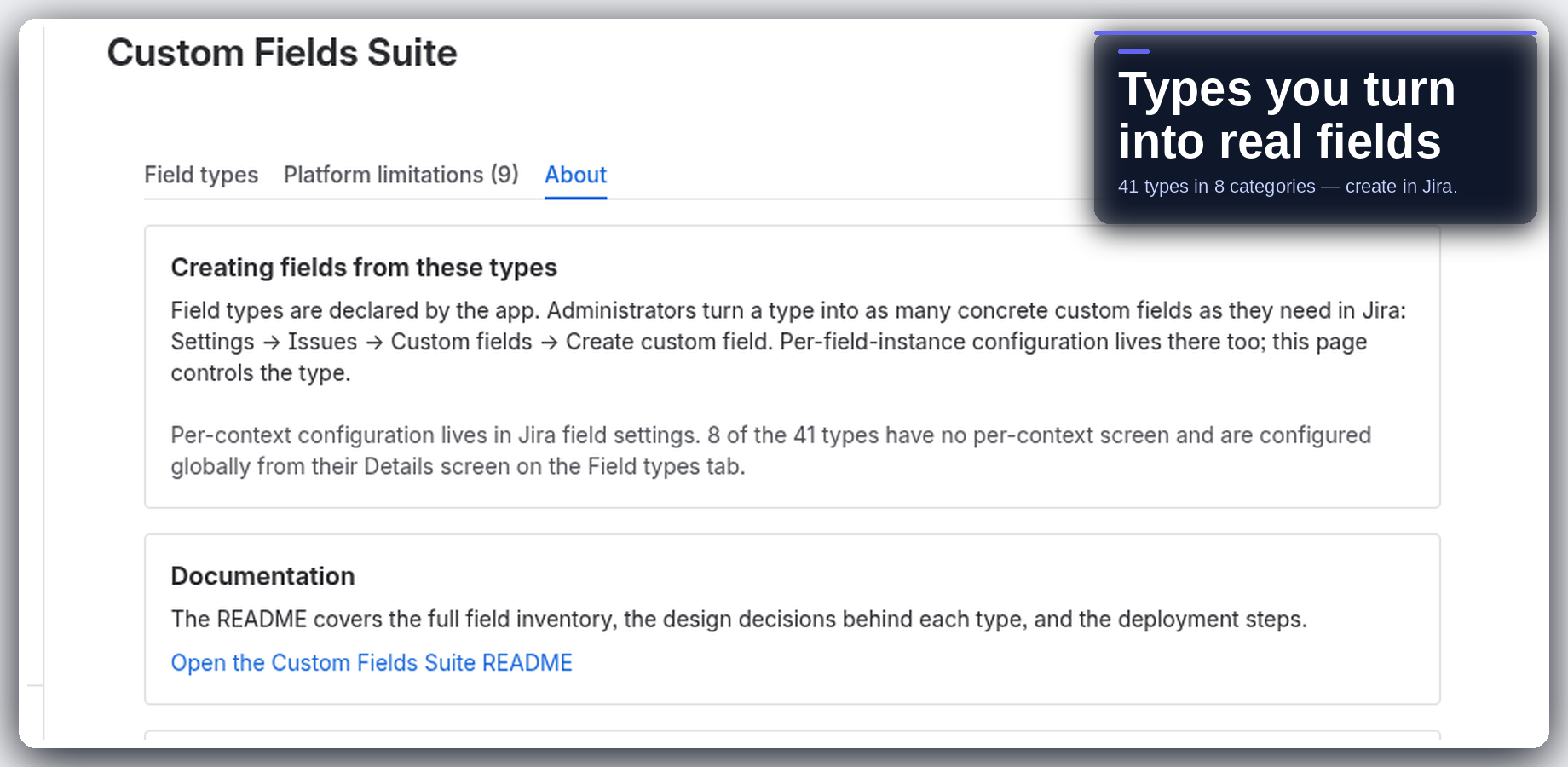
You create the actual custom fields in Jira’s own custom-fields screen — the app ships types, not a sidecar database of values. Honest about Forge platform limits. Intended design is no egress: compute runs in Atlassian Forge, and customer data stays in your Jira site.
02 — Highlights
Catalog, honesty, native fields
03 — Install
Install from the Atlassian Marketplace
- Open the Atlassian Marketplace listing for Custom Fields Suite (Jira Cloud): https://marketplace.atlassian.com/apps/3773084581.
- Choose your site and install. A site admin must approve the scopes shown on the install screen.
- Open the field catalog, pick a type, then create the real custom field in Jira’s own screens and put it on an issue.
Live on the Atlassian Marketplace. Free forever for ≤10 users, then ~USD 1.30/user/mo. Trial: Try it free (30 days).
Hard truths: You create the actual custom fields in Jira’s own screens — the app ships types, not a sidecar value store. Forge / Jira Cloud platform limits (including mobile gaps) are documented in-app. Runs on Atlassian — no external egress.
04 — Support
Questions land with me
I am Berk Karabacak, an individual developer. Public contact for this app is info@berkly.nl only.
Support hours: Monday–Friday, 09:00–18:00 Europe/Istanbul.
Privacy: berkly.nl/privacy. DPA: berkly.nl/dpa. More app docs: berkly.nl/docs.
Runs on Atlassian · No data leaves Atlassian