Docs · Apps for Jira
Work Item Checklists for Jira
Checklists on the Jira work item — done stays visible, no second product to learn.
Runs on Atlassian · No data leaves Atlassian
Try free 30 days · Free for teams ≤10 · then USD 0.45/user/mo via Atlassian
Checklists guide Support · info@berkly.nl01 — How it works
Completion lives next to the work
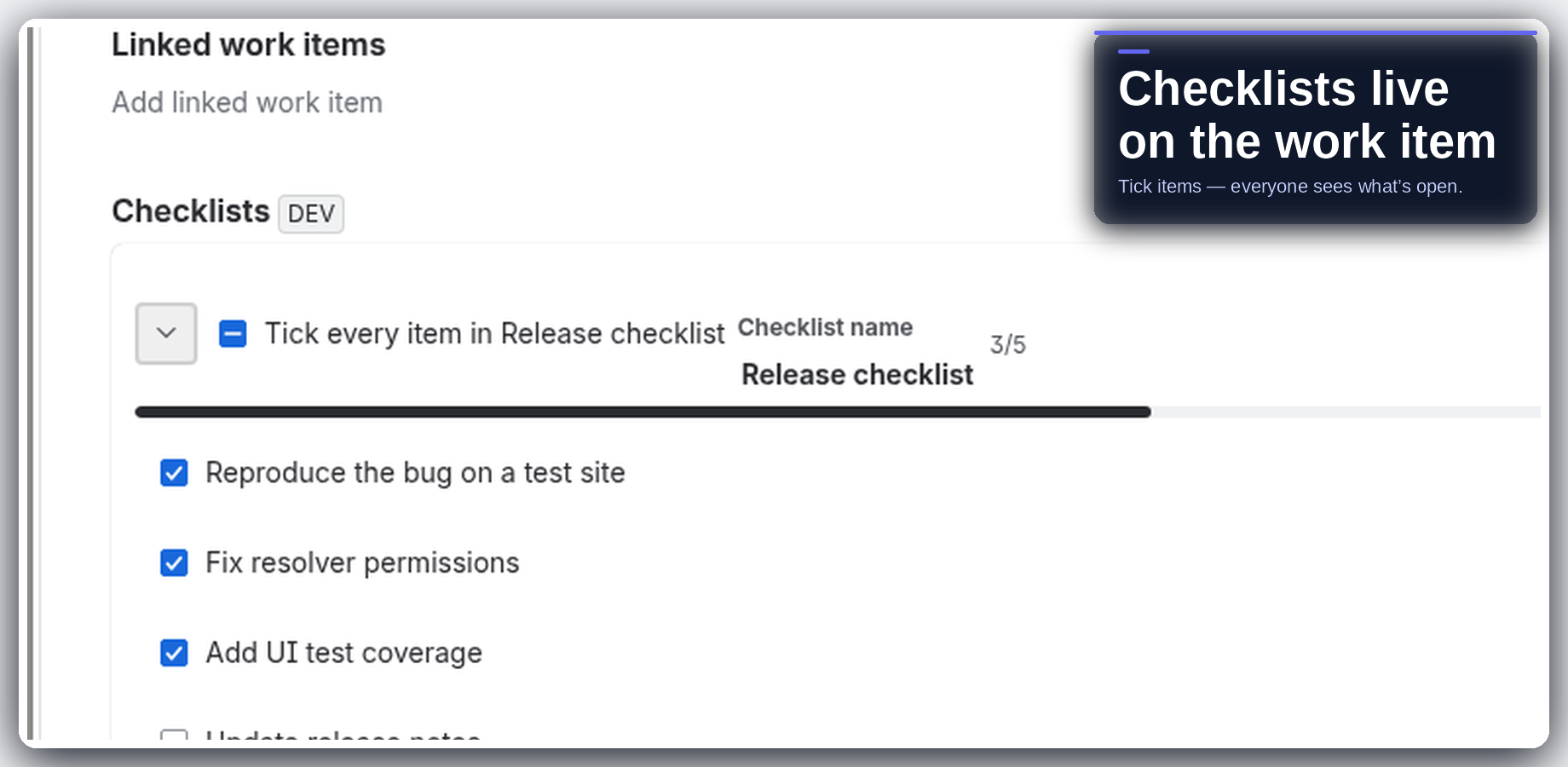
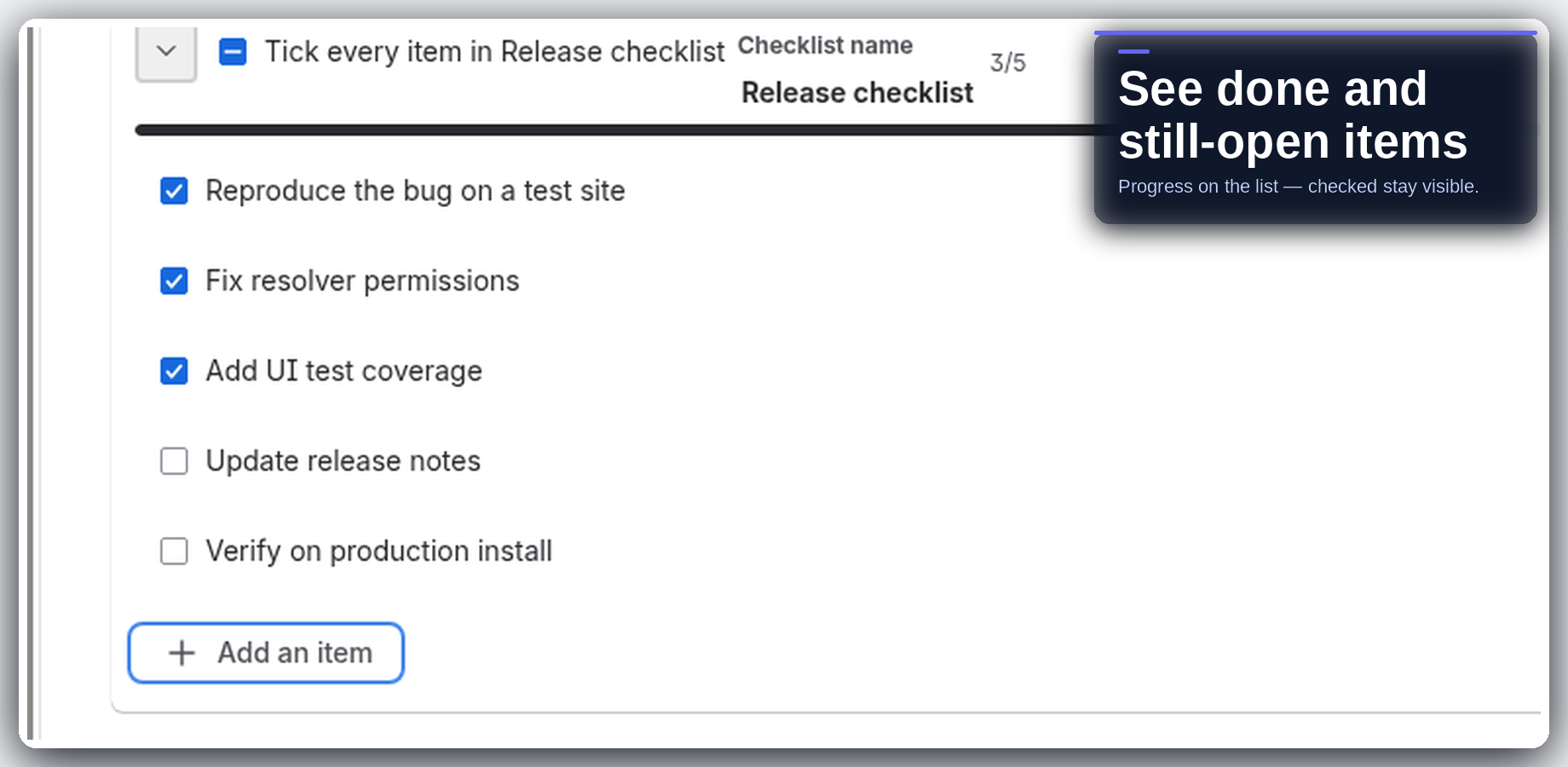
Add checklists to Jira work items so completion lives next to the work, not in a spreadsheet or sidecar app. Tick items as you go; everyone looking at the issue sees what is still open. Templates and quick-add shortcuts when the list is one you reuse.
There is no external server in the path. The app is Forge on Jira Cloud. Intended design is no egress: compute runs in Atlassian Forge, and customer data stays in your Jira site / Forge storage.
02 — Highlights
On the issue, progress visible, quick add
03 — Install
Install from the Atlassian Marketplace
- Open the Atlassian Marketplace listing for Work Item Checklists for Jira (Jira Cloud): https://marketplace.atlassian.com/apps/2565560286.
- Choose your site and install. A site admin must approve the scopes shown on the install screen.
- Open a work item, add a checklist, tick a few items, then try a template if you reuse the same list.
Live on the Atlassian Marketplace. Free for teams ≤10, then USD 0.45/user/mo via Atlassian. Trial: Try it free (30 days).
Hard truths: Checklists sit on the work item — this is not a separate workflow engine or Gantt product. Designed to stay simple; advanced process automation belongs in Jira workflows / Automation. Runs on Atlassian — no external egress.
04 — Support
Questions land with me
I am Berk Karabacak, an individual developer. Public contact for this app is info@berkly.nl only.
Support hours: Monday–Friday, 09:00–18:00 Europe/Istanbul.
Privacy: berkly.nl/privacy. DPA: berkly.nl/dpa. More app docs: berkly.nl/docs.
Runs on Atlassian · No data leaves Atlassian