Docs/Work Item Checklists for Jira

Tracking & delivery
Work Item Checklists for Jira
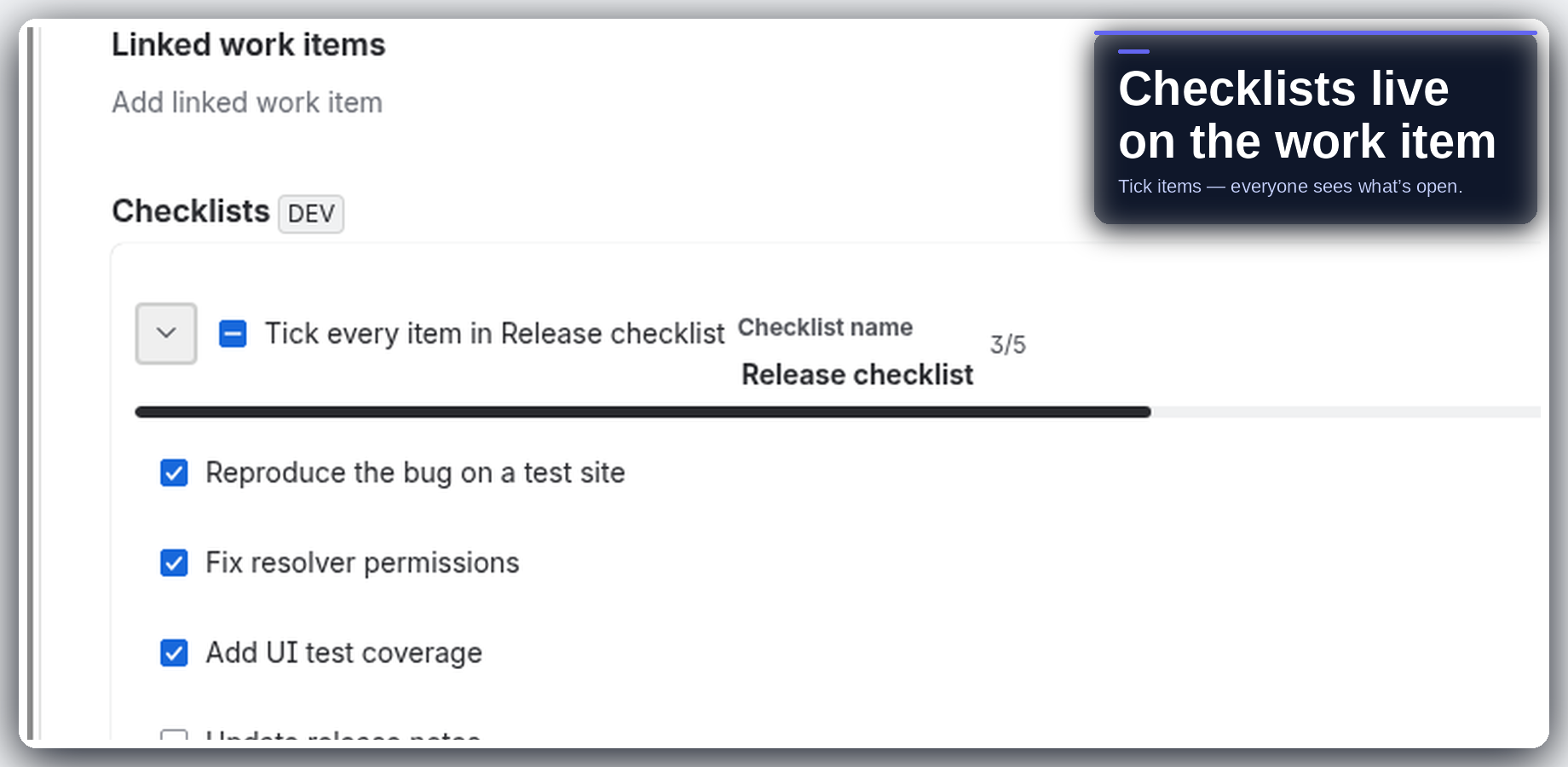
Checklists on the Jira work item — done stays visible, no second product to learn.
Get started
Completion lives next to the work
Add checklists to Jira work items so completion lives next to the work, not in a spreadsheet or sidecar app. Tick items as you go; everyone looking at the issue sees what is still open. Templates and quick-add shortcuts when the list is one you reuse.
There is no external server in the path. The app is Forge on Jira Cloud. Intended design is no egress: compute runs in Atlassian Forge, and customer data stays in your Jira site / Forge storage.
Install from the Atlassian Marketplace
- Open the Atlassian Marketplace listing for Work Item Checklists for Jira (Jira Cloud): https://marketplace.atlassian.com/apps/2565560286.
- Choose your site and install. A site admin must approve the scopes shown on the install screen.
- Open a work item, add a checklist, tick a few items, then try a template if you reuse the same list.
Hard truths: Checklists sit on the work item — this is not a separate workflow engine or Gantt product. Designed to stay simple; advanced process automation belongs in Jira workflows / Automation. Runs on Atlassian — no external egress.
Explore the docs
What it does and how to use each part
Configuration & adminAdmin setup, scopes and settings
Pricing & licensingFree tier, per-user pricing, trial
Privacy & securityData handling, policies, Runs on Atlassian
FAQ & troubleshootingCommon questions, smoke tests, support
Release notesWhat changed in each version