Docs/Document Exporter for Jira

Search & reporting
Document Exporter for Jira
Export Jira issues to Excel, Word, or CSV — templates included, files built in the browser.
Get started
Turn any JQL into a clean export
Turn any JQL, saved filter, or board into a clean spreadsheet or boardroom-ready Word doc. Pick fields, use built-in DOCX templates (or upload yours), and download on your machine — nothing leaves Atlassian.
Built for release notes, sprint reports, requirements dumps, and status packs. Hierarchy-aware epic → story → subtask rollups. Excel with real typed cells (dates and hours you can SUM), Word from five built-in templates or an uploaded .docx, plus CSV. No PDF in this version.
There is no external server in the path. The app is Forge on Jira Cloud. Files are assembled in the browser; customer data stays in your Jira site / Forge storage.
Install from the Atlassian Marketplace
- Open the Atlassian Marketplace listing for Document Exporter for Jira (Jira Cloud): https://marketplace.atlassian.com/apps/3264378367.
- Install on a site where you can try exports on a non-production project first.
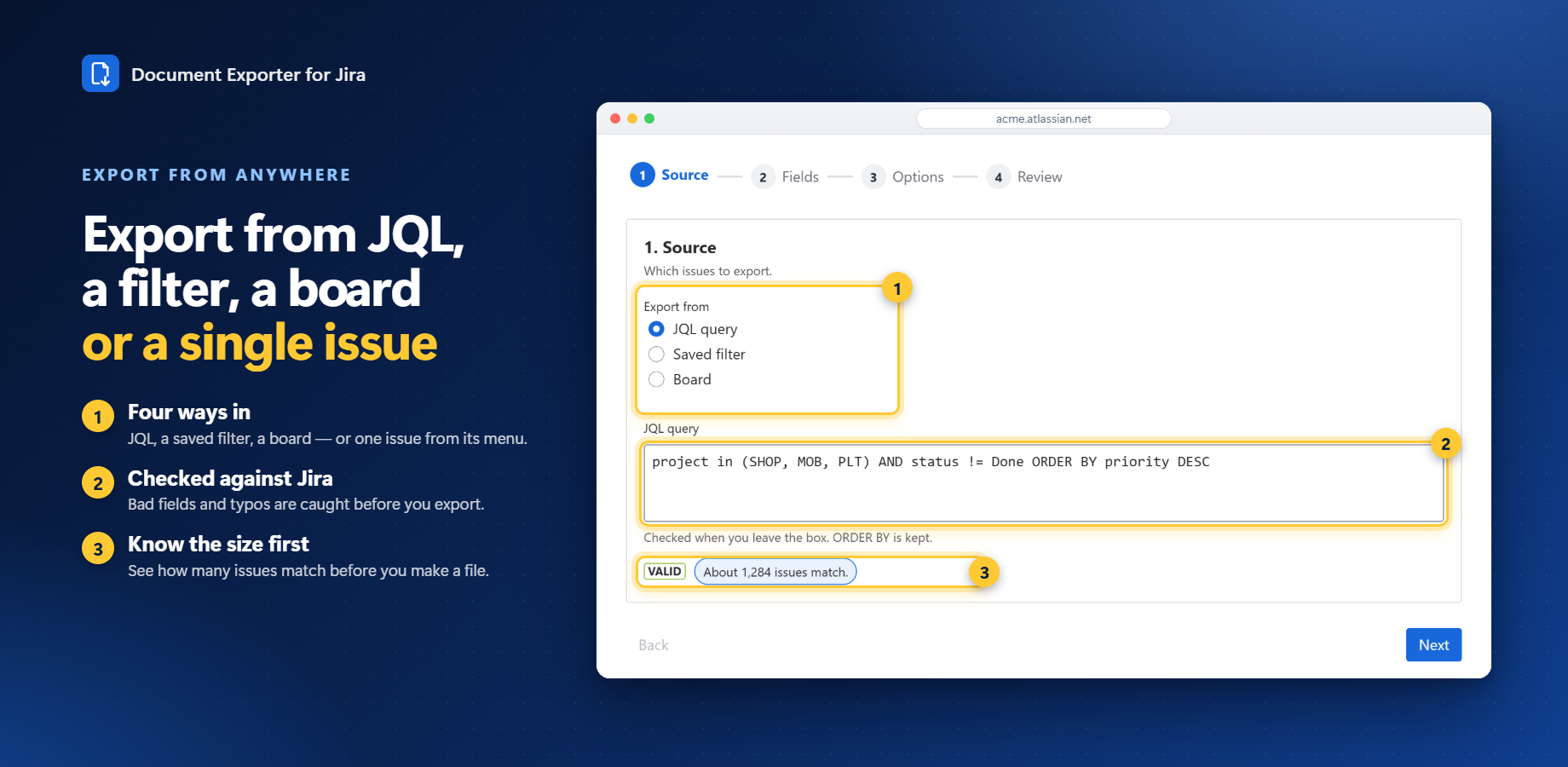
- Open the Document Exporter app from Jira, pick a source (JQL / filter / board), choose fields and format, then download.
Explore the docs
What it does and how to use each part
Configuration & adminAdmin setup, scopes and settings
Pricing & licensingFree tier, per-user pricing, trial
Privacy & securityData handling, policies, Runs on Atlassian
FAQ & troubleshootingCommon questions, smoke tests, support
Release notesWhat changed in each version