Apps for Jira
Easy Workflows for Jira
See what won’t survive a move — then validate before every Jira Cloud workflow import.
Runs on Atlassian · No data leaves Atlassian
Try Easy Workflows free · ≤10
Try free 30 days · Free for teams ≤10 · then USD 0.45/user/mo
Start here (first 10 minutes):
Browse guides
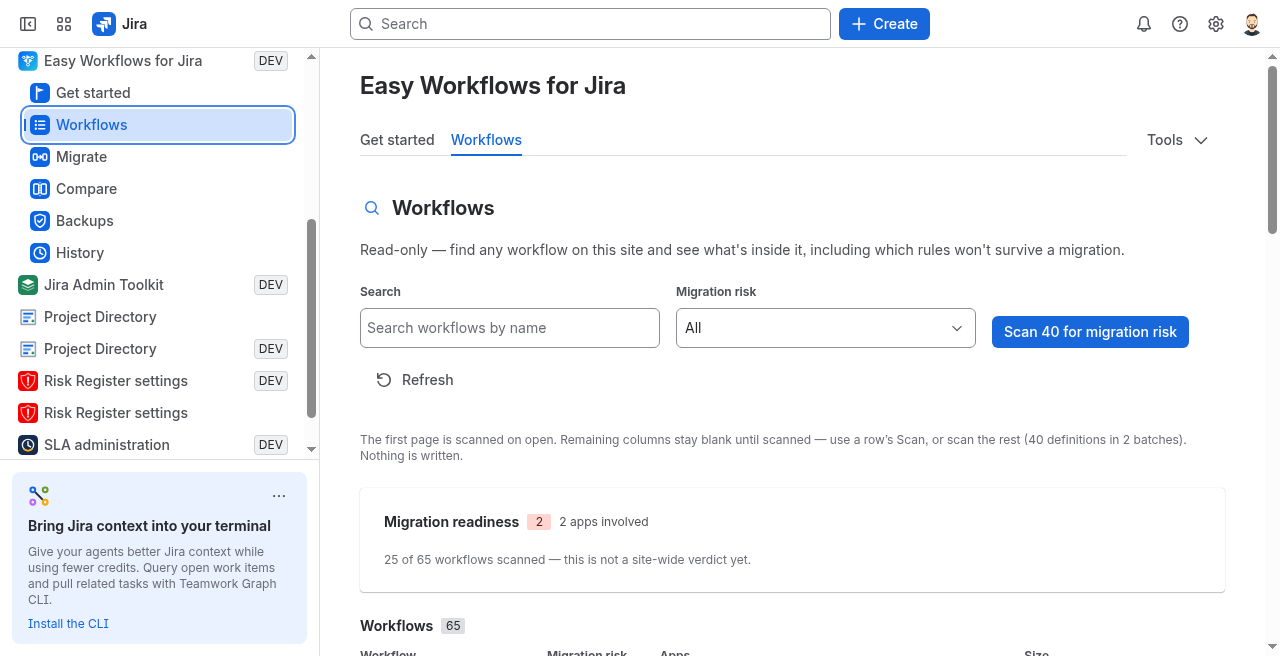
- View workflows → pick one company-managed workflow
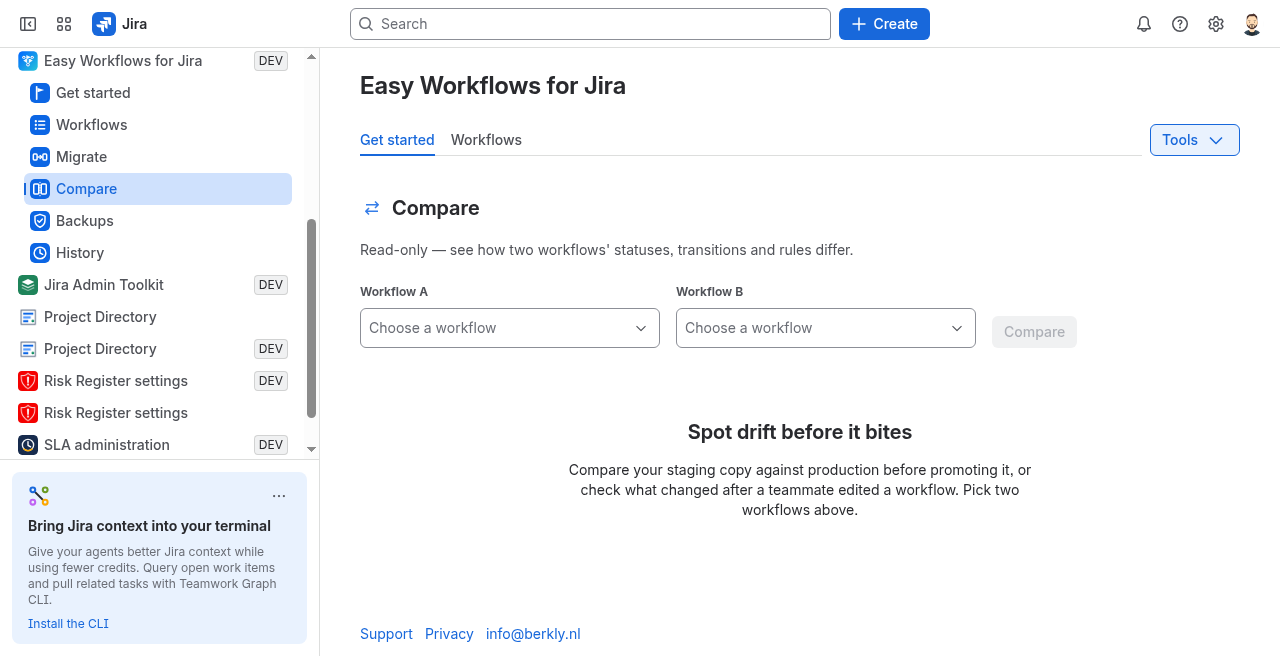
- Run Validate (or Compare)
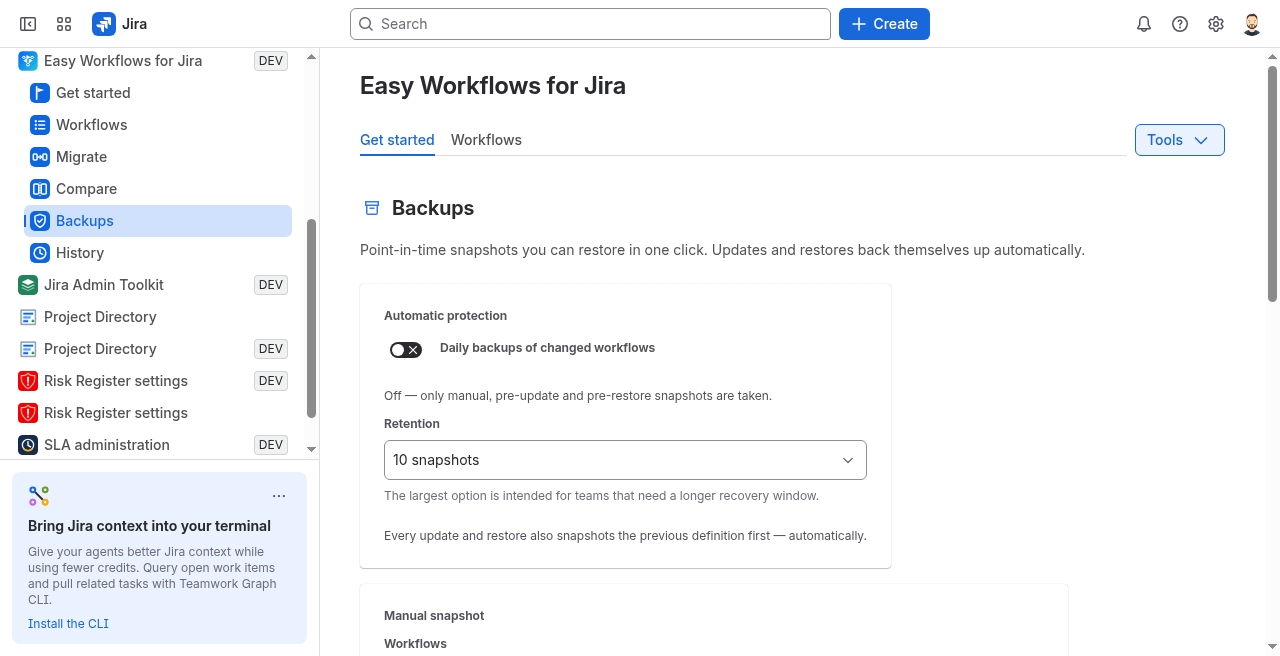
- Take a snapshot before you change anything
01 — What it does
Portability first, then a safe move
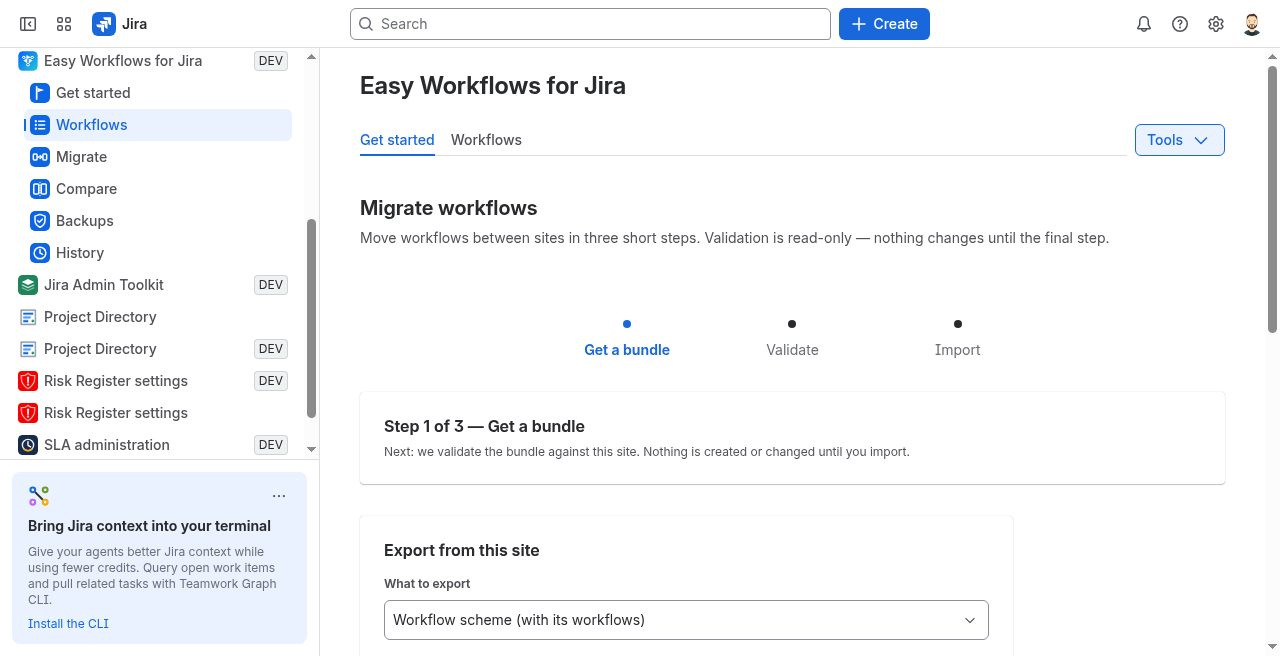
Jira Cloud has no built-in way to move a workflow between sites. Scan for what won’t survive, validate before import, compare staging to production, and restore from snapshots — all on Forge with no egress.
02 — Guides
How-to guides
Company-managed Jira Cloud workflows. Short reads for sandbox → prod, validate, backup, and rollback.
- Compare before promote
- Validate before import
- Promote workflow scheme
- Sandbox → prod guide
- Standard plan guide
- Export / import guide
- Rollback guide
- Vs Workflow Wizard
- Backup / snapshots guide
- Restore from snapshot guide
- Copy between sites guide
- Missing transition properties after C2C
- Workflow change history / audit trail
- Docs & support
03 — Support
Bring Easy Workflows to your Jira
Questions: info@berkly.nl. Read our Privacy Policy and Data Processing Addendum.
Runs on Atlassian · No data leaves Atlassian