Docs/JQL Extensions Library

Search & reporting
JQL Extensions Library
31 JQL functions for overdue, stuck, and stale work — native-speed filters for search, boards, and gadgets on Jira Cloud.
Get started
Functions that expand to ordinary JQL
I built JQL Extensions Library so you can write short, memorable filters instead of long native JQL every time. Each function expands to a JQL fragment. Jira’s own index evaluates it under the searcher’s permissions — the same way a hand-written filter would.
There is no external server in the path. The app is Forge on Jira Cloud. Handlers return JQL fragments only; they do not fetch issue lists over the network. That is why it can stay on Atlassian with zero customer-issue egress.
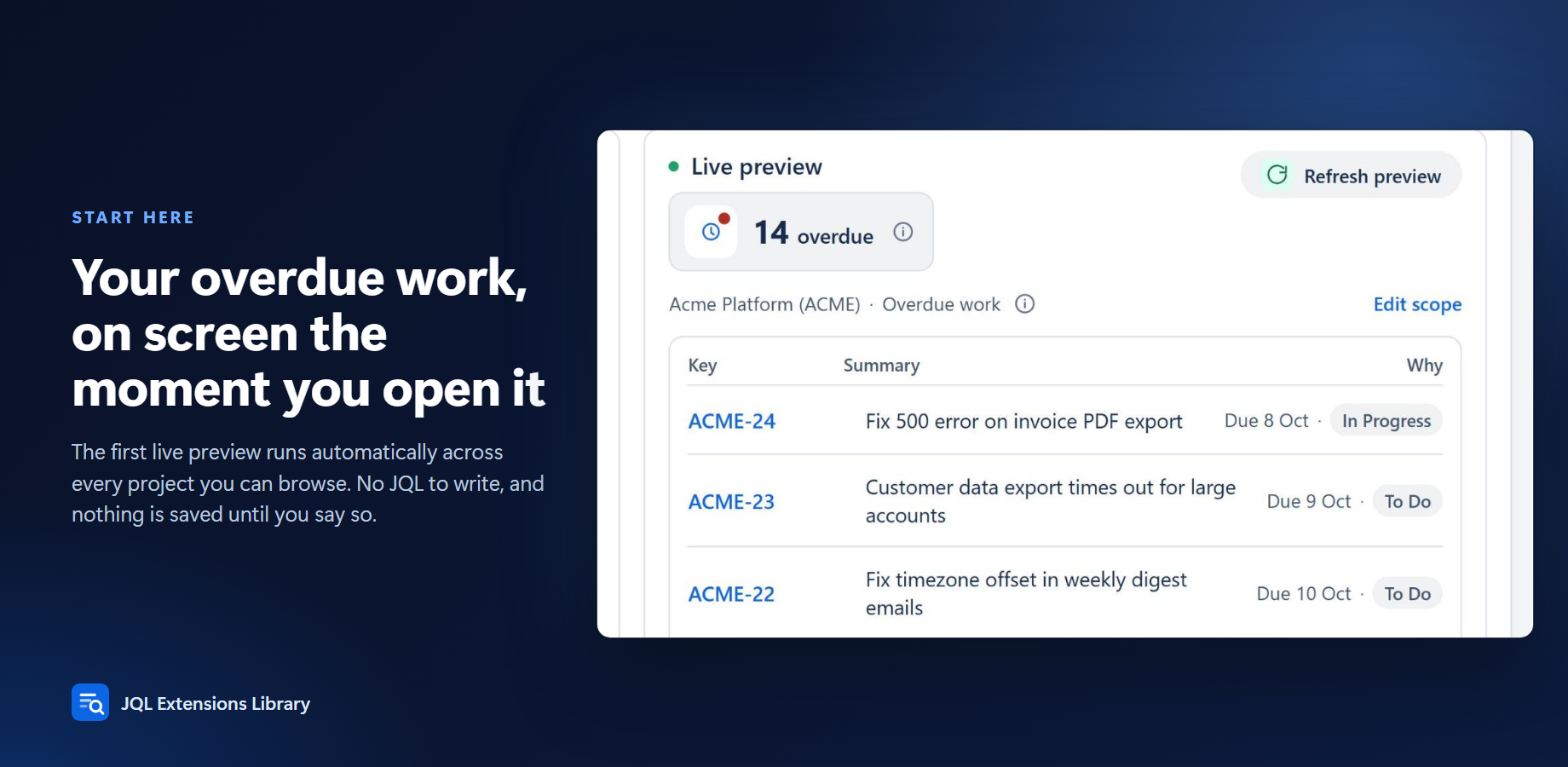
Open Apps → JQL Extensions Library. It opens on Start here (pick a question, see live results); Try it lets you tune it, All 31 lists every function, and Status shows health. Or type a function directly in issue search. For plans, see the Marketplace listing.
Install from the Atlassian Marketplace
- Open the Atlassian Marketplace listing for JQL Extensions Library (Jira Cloud).
- Choose your site and install. A site admin must approve the scopes.
- Scopes used:
read:jira-work: read work items for the preview and search, as the signed-in user.read:app-data:jira: read the hourly precomputed function results the app stores.write:app-data:jira: save those hourly precomputed results.
- After install, open Apps → JQL Extensions Library to confirm the app page loads (Start here / Try it / All 31 / Status).
Jira Cloud only. No Data Center / Server. No ScriptRunner-style scripting — these are fixed JQL functions.
Explore the docs
What it does and how to use each part
Configuration & adminAdmin setup, scopes and settings
Pricing & licensingFree tier, per-user pricing, trial
Privacy & securityData handling, policies, Runs on Atlassian
FAQ & troubleshootingCommon questions, smoke tests, support
Release notesWhat changed in each version