Docs/JQL Extensions Library/Features & how-to
JQL Extensions Library
Features & how-to
What it does and how to use each part
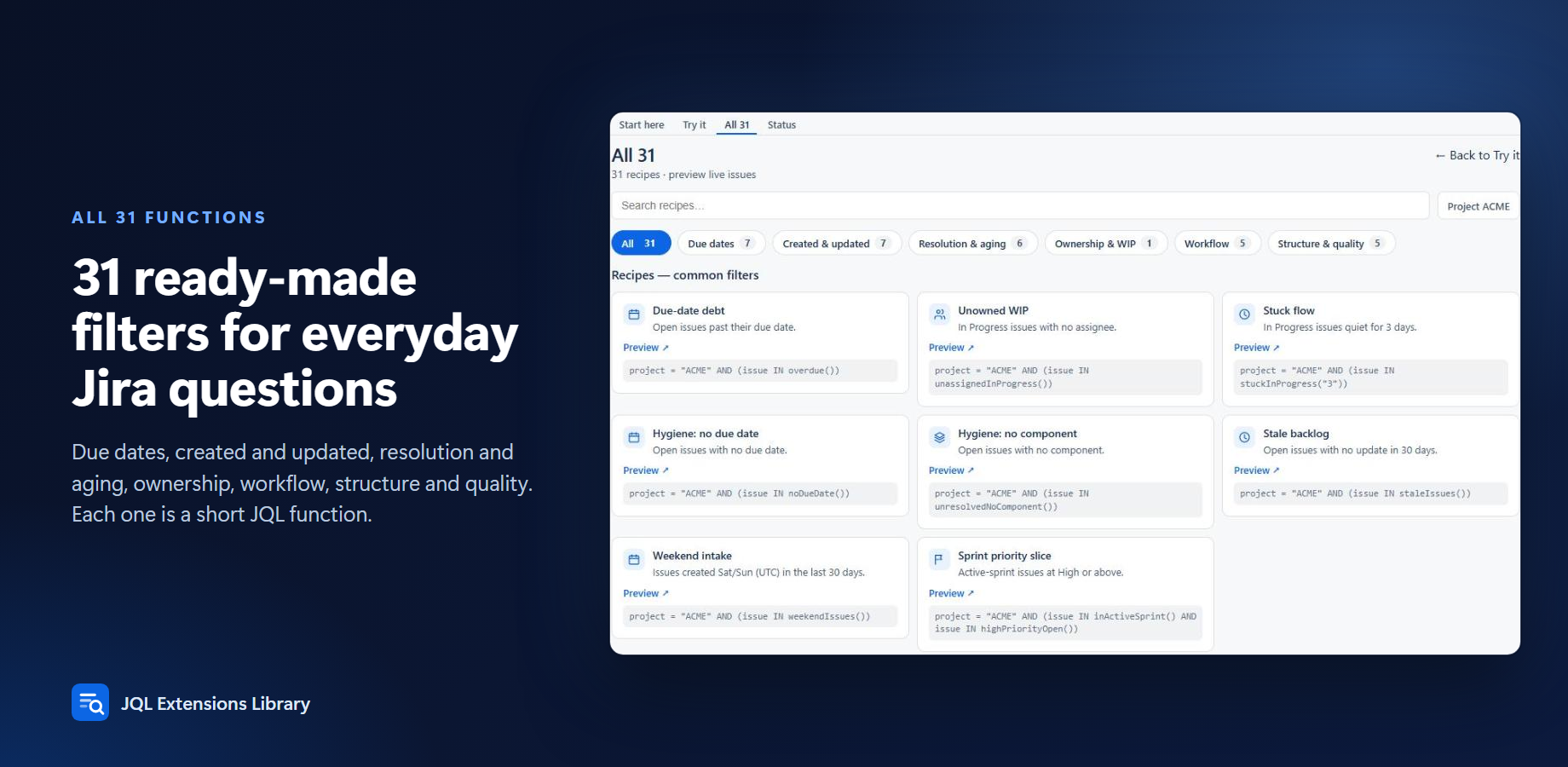
Start here, Try it, and all 31 functions
Popular functions
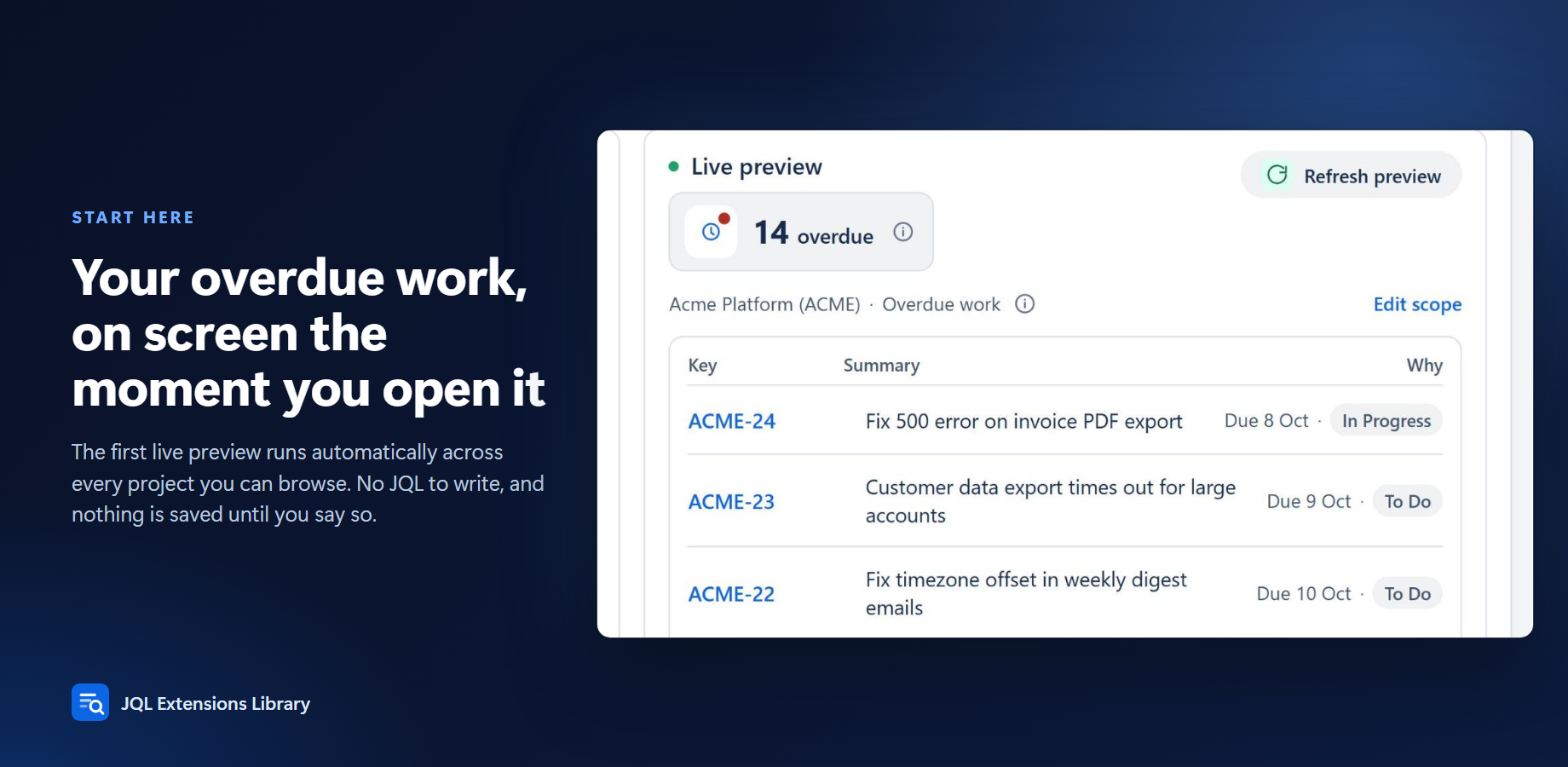
overdue()- Open issues past their due date
stuckInProgress("7")- In Progress with no updates for N days
staleIssues()- Open issues not updated in 30 days
noDueDate()- Open work missing a due date
unresolvedNoComponent()/noFixVersion()- Hygiene filters
issuesUpdatedLastWorkingDay()/weekendIssues()/businessDaysAgo("n")- Business-calendar helpers (shared UTC calendar)
childrenOfIssue("KEY")/linkedByEpic("KEY")- Hierarchy via parent
The in-app catalog lists all 31 functions with examples.
Type it where Jira already accepts JQL
- Open issue search (or a board / backlog / gadget filter).
- Switch to JQL if needed.
- Type a function, for example:
issue IN overdue()
issue IN stuckInProgress("7")
issue IN staleIssues()
Quoted string arguments are required where a function takes a parameter (days, issue keys, and similar).
Save the query as a filter, board filter, or dashboard gadget like any other JQL.
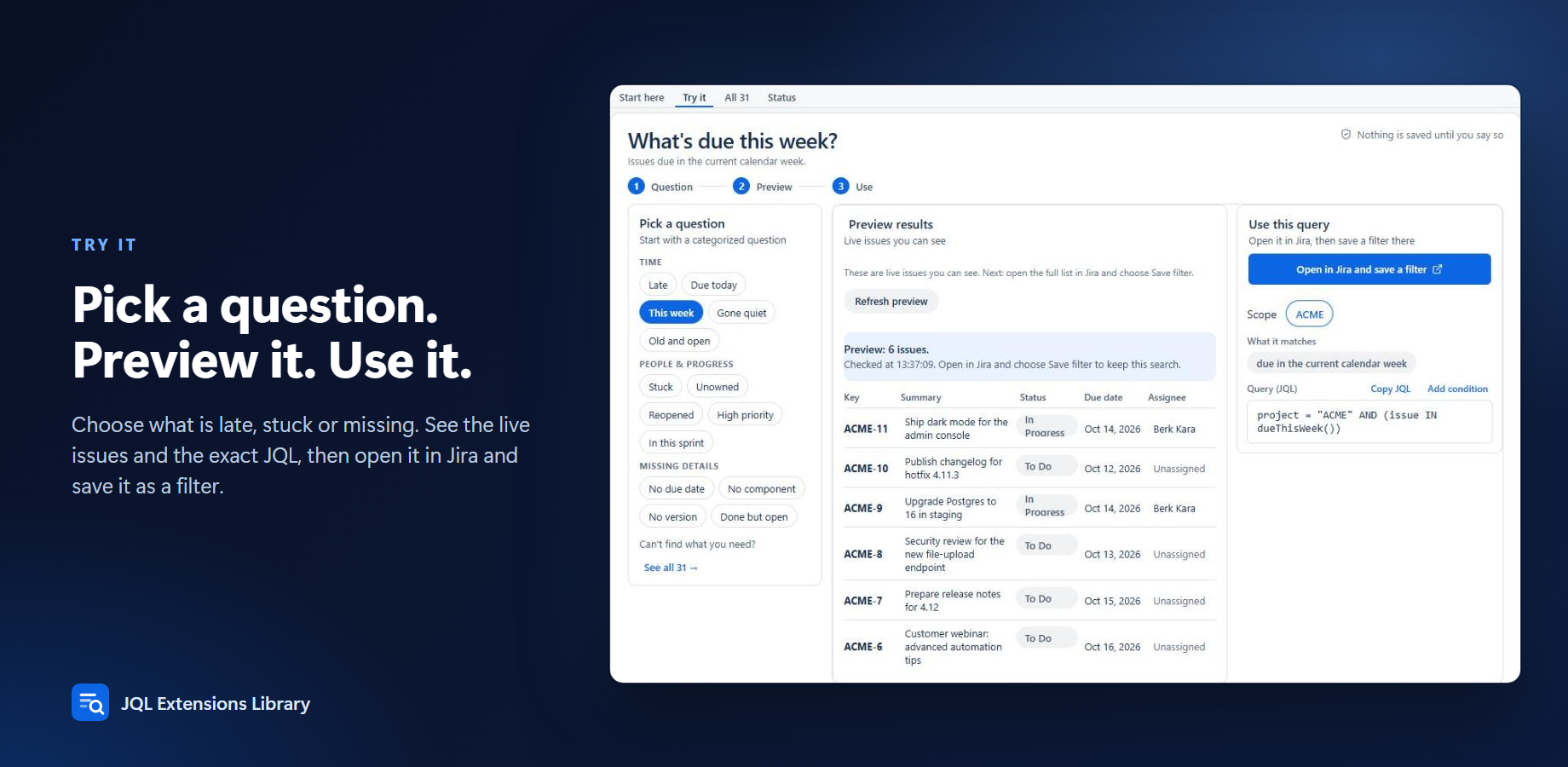
Or use Start here / Try it in the app: pick a question, copy the JQL, or open it in issue search. Nothing is saved until you say so.
Important notes
- Personal “my issues” queries should use native JQL (
assignee = currentUser()…). App functions cannot safely embedcurrentUser()because Jira caches function results site-wide. - Business-day and weekend functions use a shared UTC calendar so every user sees a consistent answer.
- Function results can lag issue changes by up to about one hour (hourly precomputation refresh).
NOT INfollows normal JQL rules (empty fields are not included in negation).
Screenshots