Docs/Risk Register for Jira/Features & how-to
Risk Register for Jira
Features & how-to
What it does and how to use each part
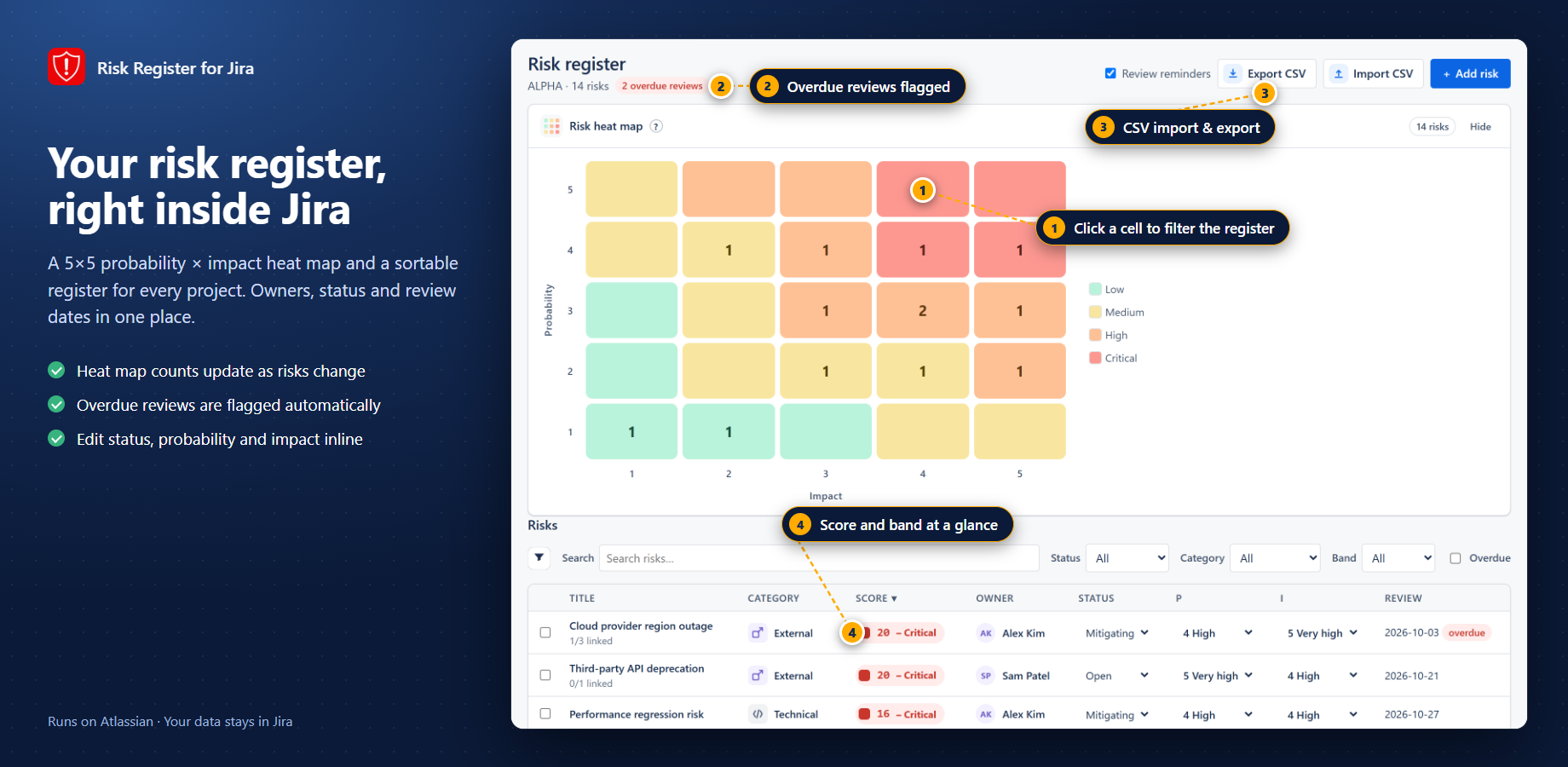
Register, add form, and portfolio map
Add, score, import, review
- On a project, open Risk Register.
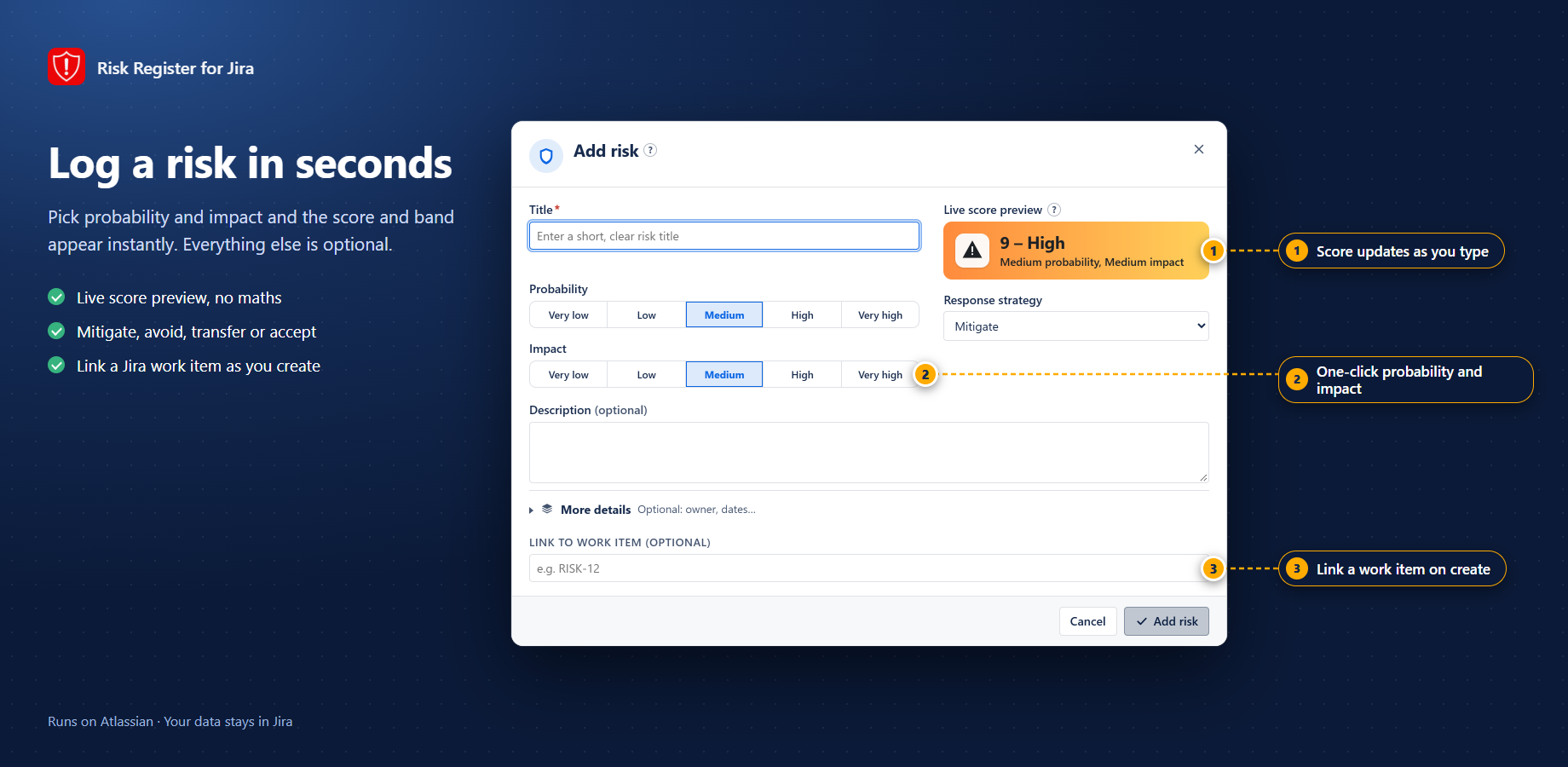
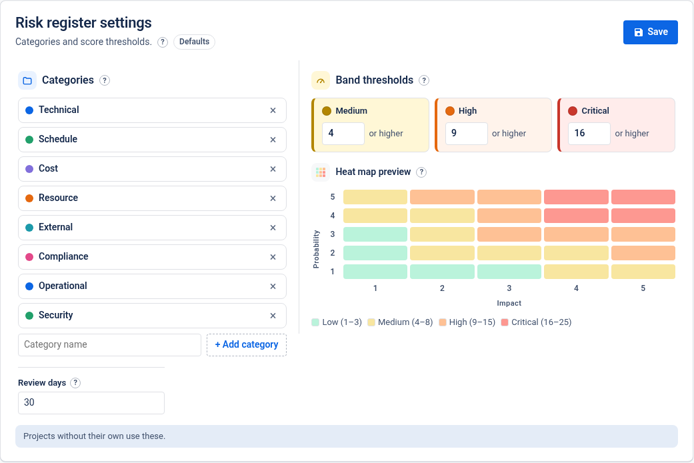
- Click Add risk. Fill title, category, owner, probability (1–5), and impact (1–5). The preview score updates as probability × impact.
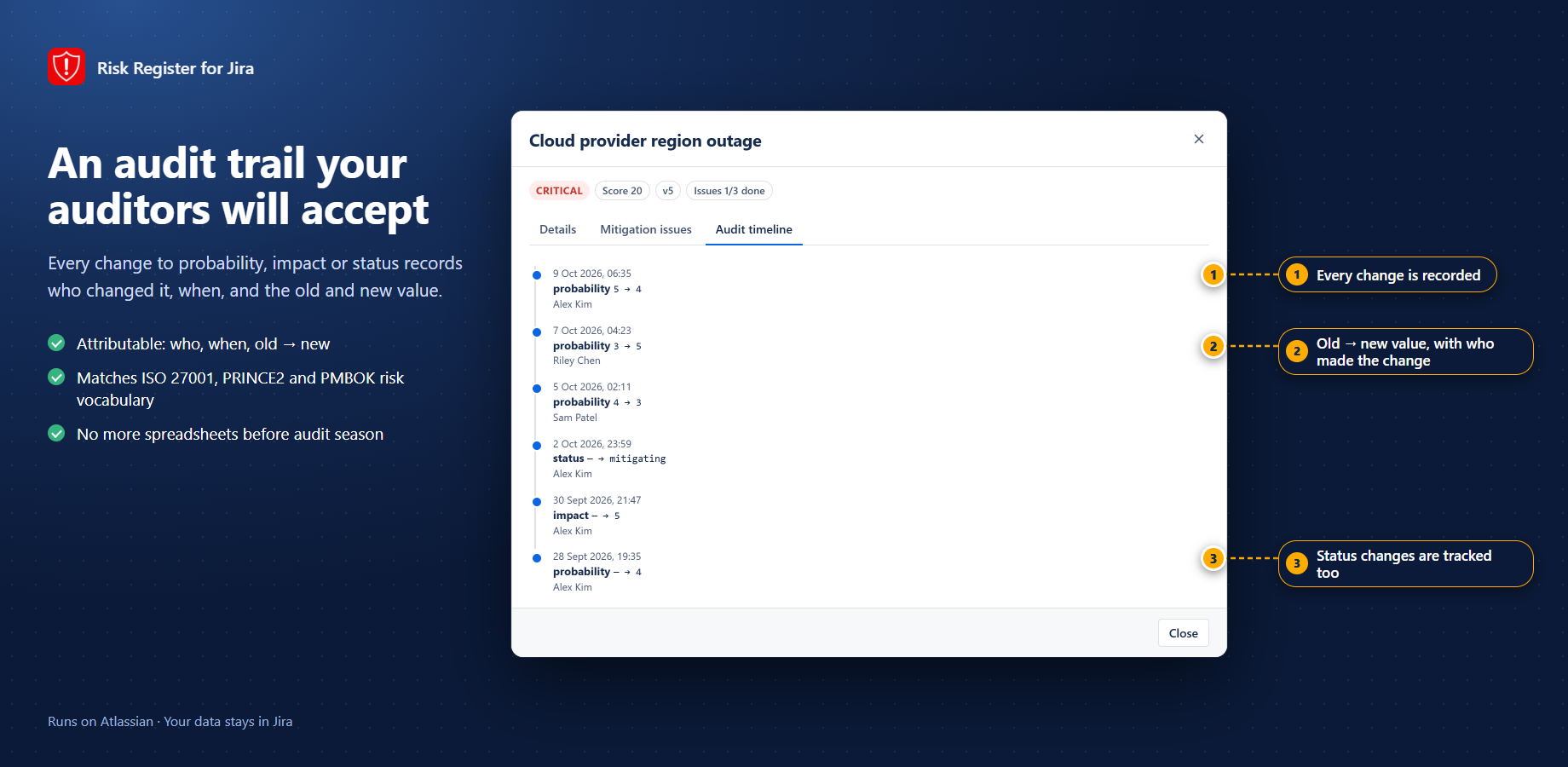
- Choose a response (avoid / mitigate / transfer / accept), add mitigation / contingency notes, and set a next-review date.
- To bring an existing list: use Import CSV, run the dry-run, fix any row errors, then import.
- For a cross-project view: open the global / portfolio Risk Register, filter as needed, and drag a risk onto a matrix cell to re-score.
Important notes
- Owner fields expect an Atlassian account the app can resolve via
read:jira-user. - CSV import is safest with a dry-run first — reject rows that fail validation before writing.
- Permissions follow Jira project access; users only see registers for projects they can open.
Screenshots