Docs/SLA for Jira Software
Tracking & delivery
SLA for Jira Software
SLAs that live in Jira — clocks, calendars, attainment. No Jira Service Management required.
Get started
Measure time on ordinary Jira Software work
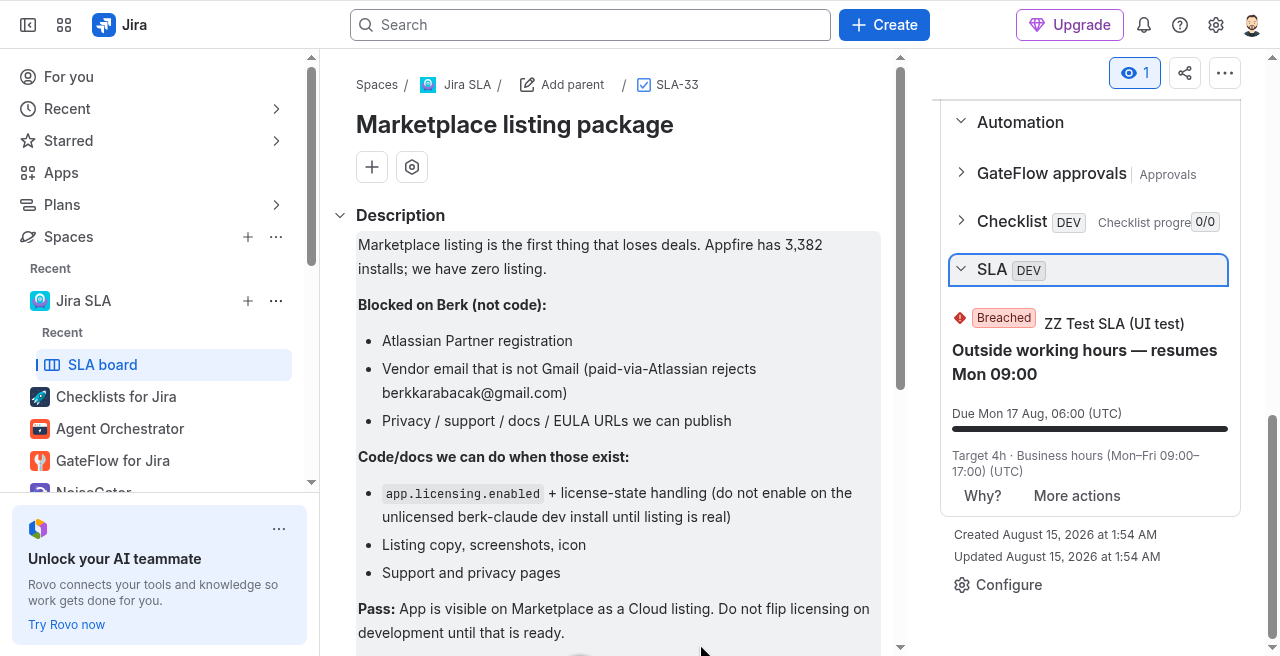
Measure time-to-triage, time-to-resolution, cycle time, and time-in-review on ordinary Jira Software projects. Working-hours calendars pause clocks outside business hours; project reports show breached, at-risk, and on-time. No Jira Service Management required.
There is no external server in the path. The app is Forge on Jira Cloud. Intended design is no egress: compute runs in Atlassian Forge, and customer data stays in your Jira site / Forge storage.
Install from the Atlassian Marketplace
- Open the Atlassian Marketplace listing for SLA for Jira Software (Jira Cloud): https://marketplace.atlassian.com/apps/39044805.
- Choose your site and install. A site admin must approve the scopes shown on the install screen.
- Open the app on a project, turn measurement on, pick a working-hours calendar, then check clocks on a work item and the project report.
Hard truths: Built for Jira Software — JSM is not required and is not the product target. Clocks respect working-hours calendars; paused outside business hours is expected. Runs on Atlassian — no external egress.
Explore the docs
What it does and how to use each part
Configuration & adminAdmin setup, scopes and settings
Pricing & licensingFree tier, per-user pricing, trial
Privacy & securityData handling, policies, Runs on Atlassian
FAQ & troubleshootingCommon questions, smoke tests, support
Release notesWhat changed in each version