Docs/Berkly Time in Status for Jira/Features & how-to
Berkly Time in Status for Jira
Features & how-to
What it does and how to use each part
Find where work waits
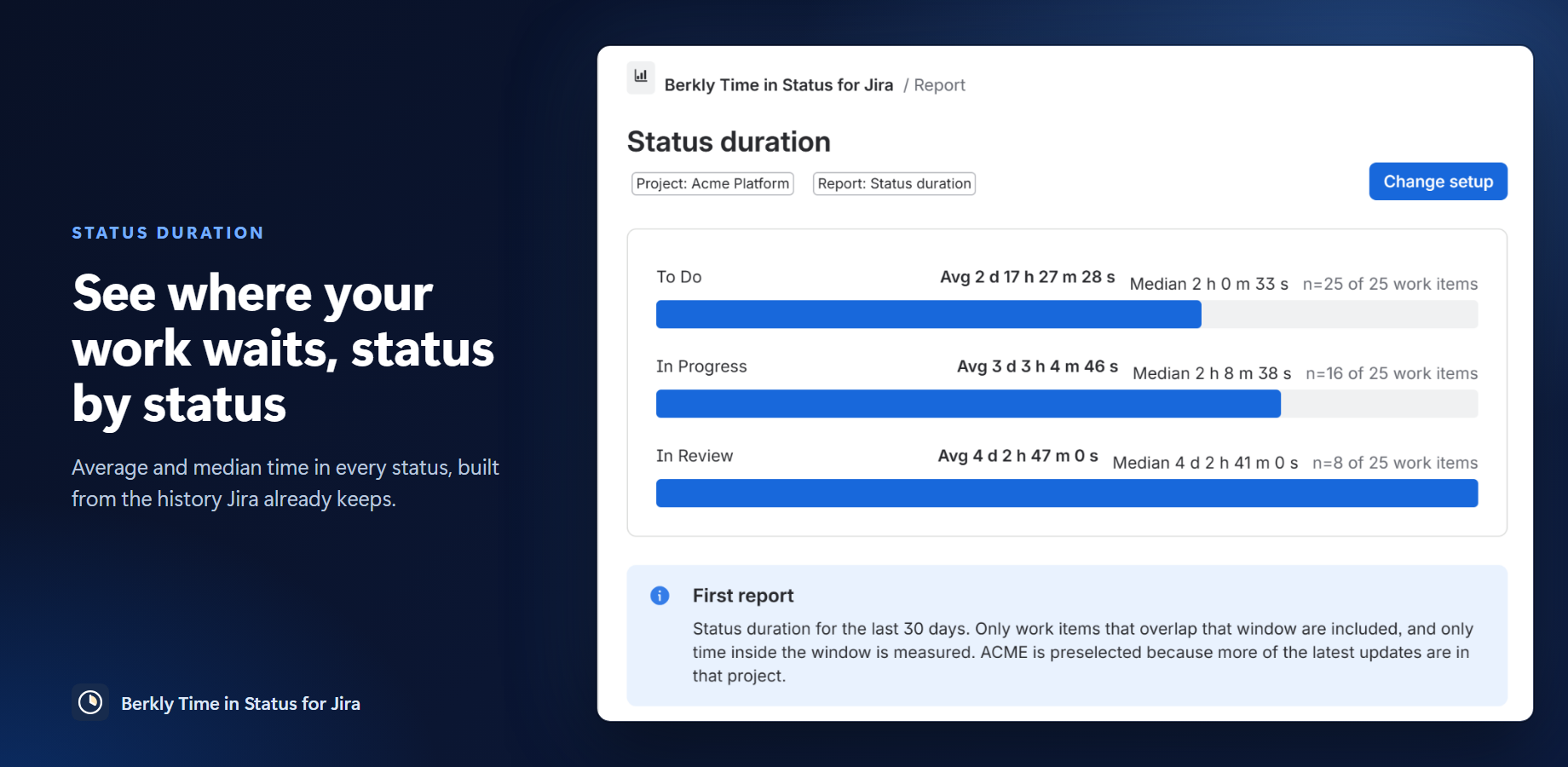
- Time in every status. Average and median time per status, one row per work item. Open work is flagged “still in this status”.
- Retroactive. Built from the native Jira changelog, so past work is covered on day one.
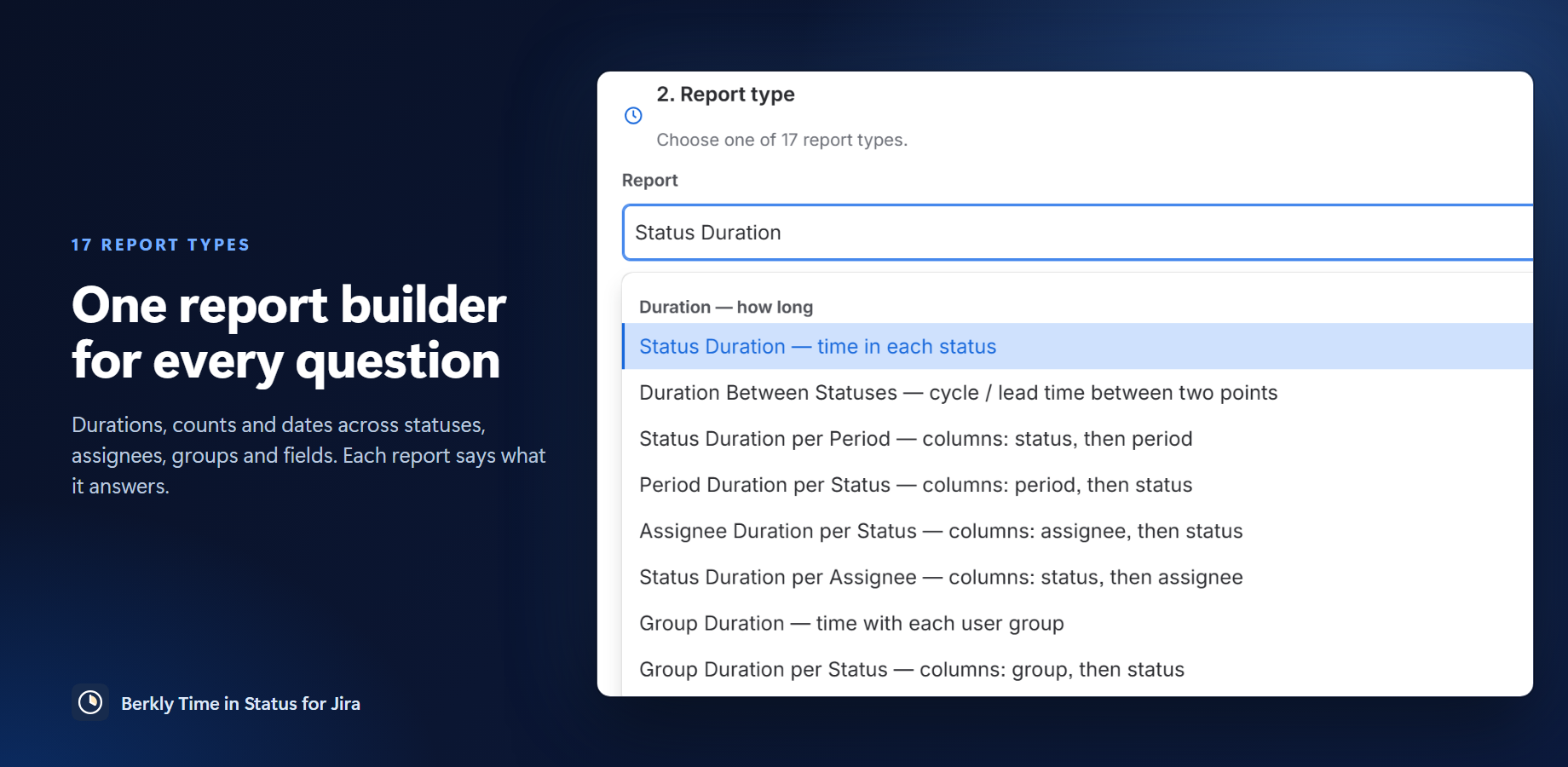
- 17 report types in one builder: durations, counts and dates across statuses, assignees, user groups, any field and calendar periods.
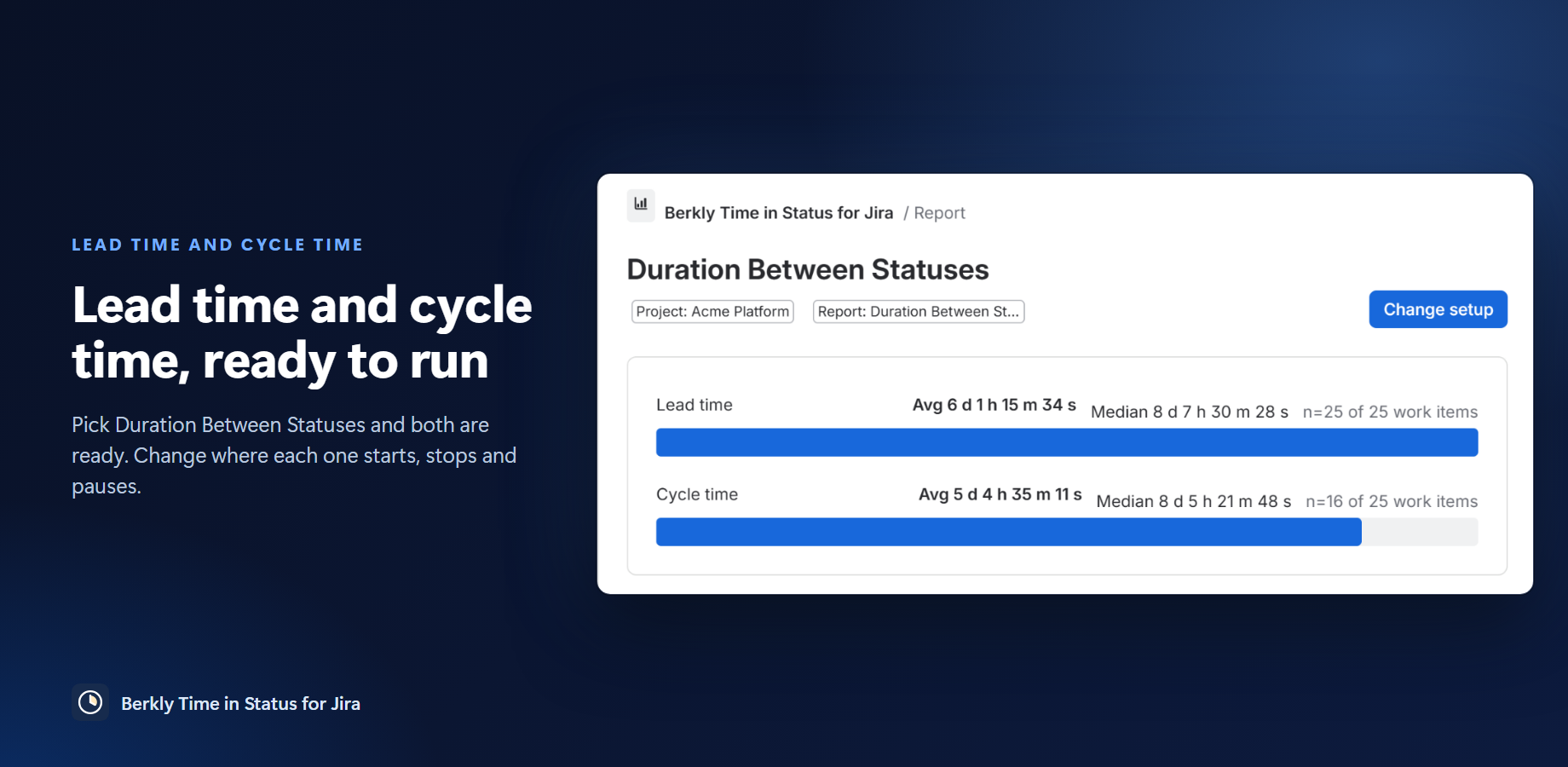
- Lead time and cycle time out of the box, or your own start and stop points with pause statuses.
- Work item history. Every visit, how long it stayed, where it came from and went to, including rework loops.
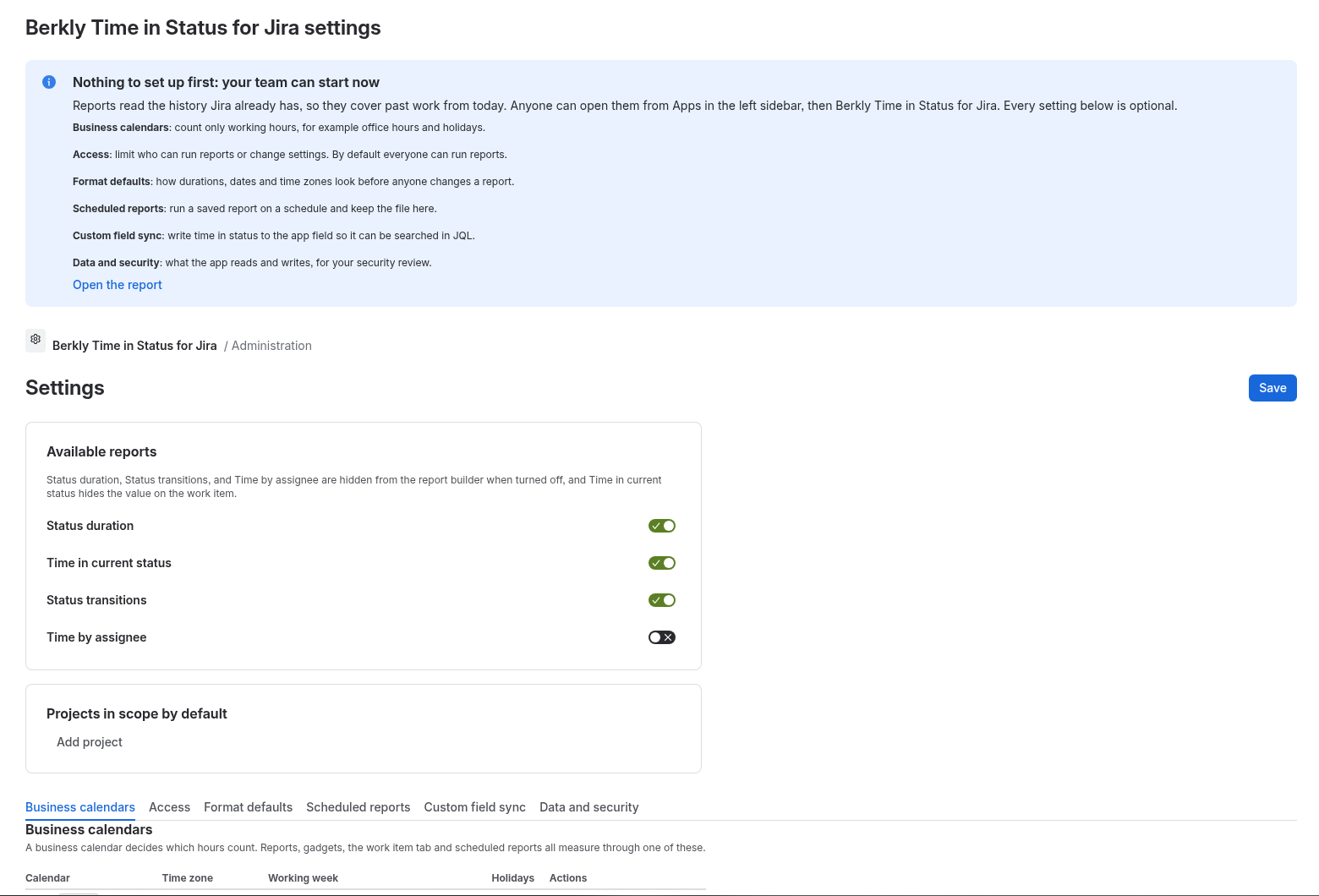
- Working time. Business calendars with time zones, working windows, holidays and half days.
- Charts. Pie, bar, column, line, stacked or clustered, in one click.
- Export and share. CSV or Excel export, saved reports, a dashboard gadget and a JQL field.
Screenshots